Let’s Be Honest…
Most users don’t want to browse your website. They want to find something—fast. And if they can’t?
👉 They leave.
That’s exactly why a search box isn’t just a feature anymore—it’s a necessity. But here’s the issue: Most default search options in WordPress are basic, unattractive, and limited.
That’s where Zyre Addons Search Box widget steps in.
Why Search Matters More Than You Think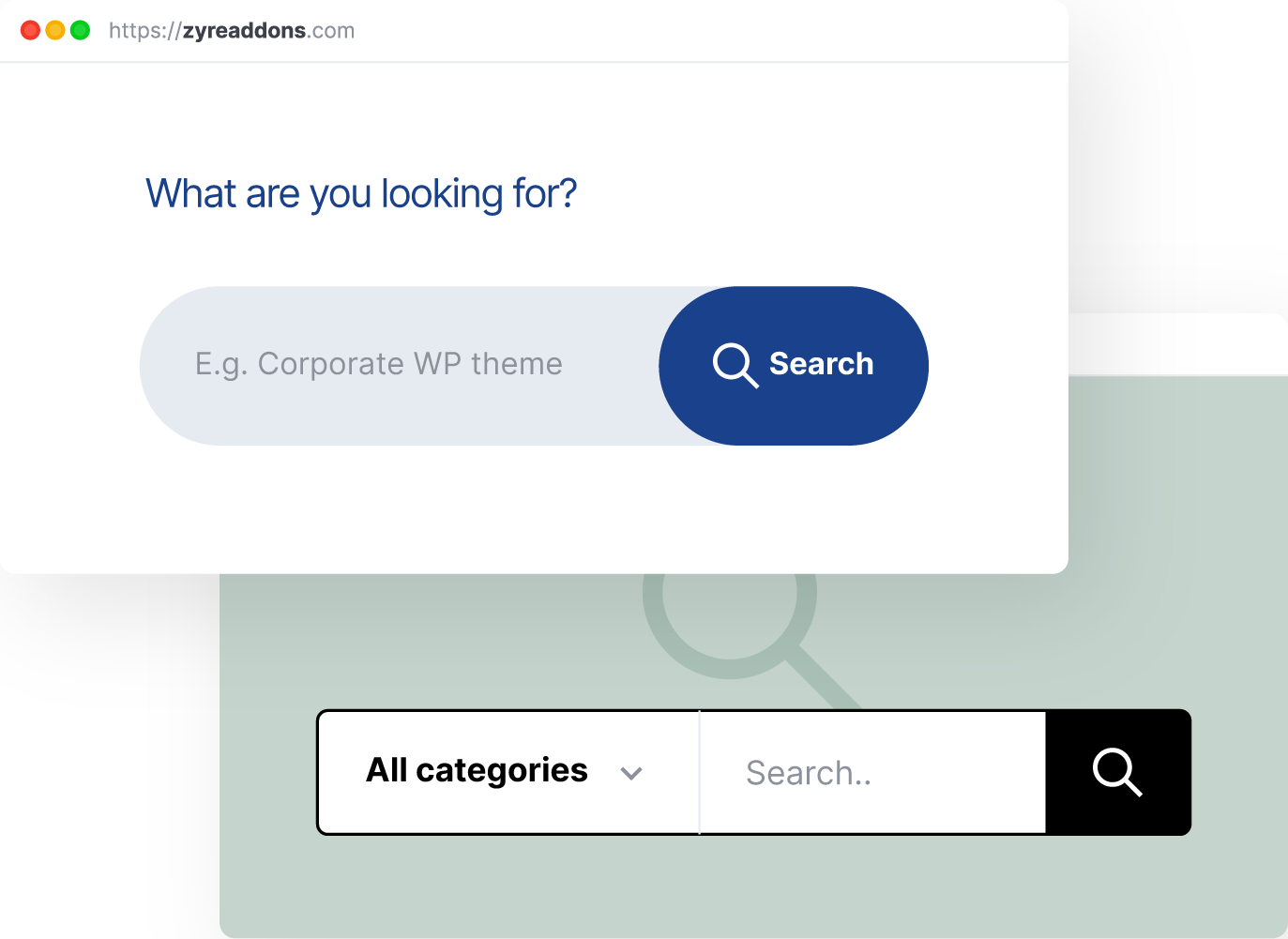
Think about it from a user’s perspective:
- They land on your site
- They don’t see what they need immediately
- They look for a search option
If your search is:
❌ Hard to find
❌ Slow
❌ Not user-friendly
👉 You’ve already lost them.
What Makes a “Good” Search Experience?
A proper search experience should be:
- Easy to access
- Fast and responsive
- Visually clean
- Integrated with your design
👉 It should feel like part of your website—not an afterthought.
Where Most Elementor Setups Fall Short
Let’s call it out:
❌ Basic Default Design
Most search bars look outdated and don’t match modern UI.
❌ No Customization
Limited control over styling, layout, and behavior.
❌ Poor UX Placement
Often hidden or poorly positioned.
👉 Result: users don’t even use it.
How Zyre Addons Fixes This
Instead of giving you a basic search field, Zyre Addons gives you a fully customizable Search Box widget.
👉 Built for real user behavior—not just functionality.
⚡ What You Can Do with Zyre Search Box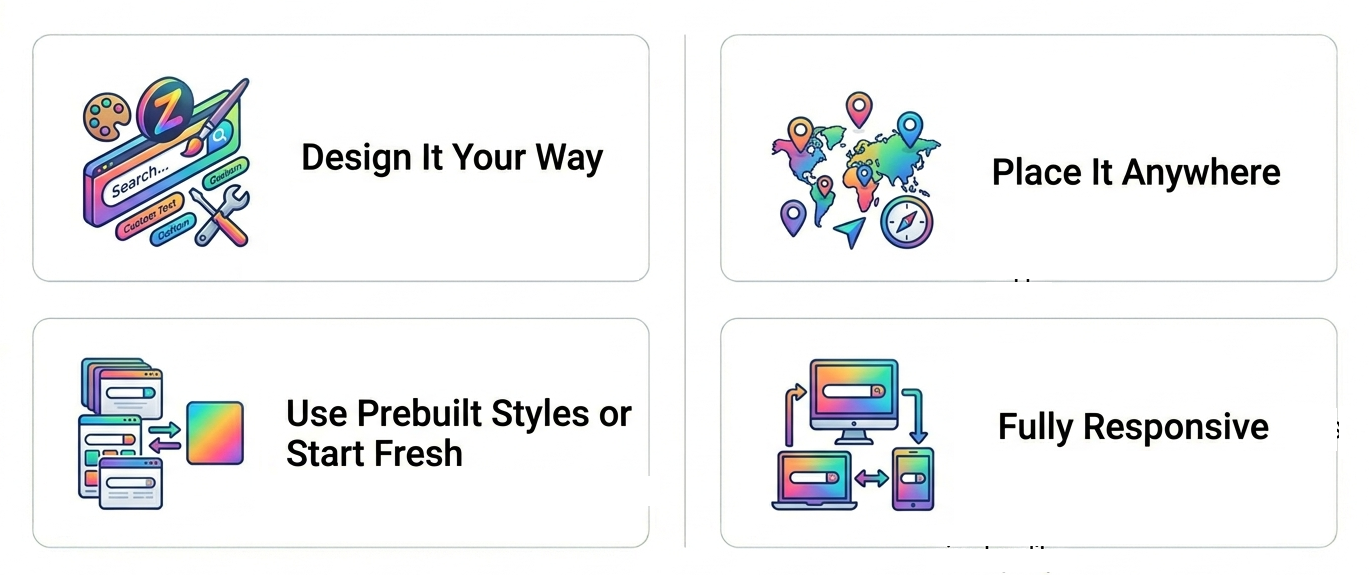
🔍 Design It Your Way
You can fully customize:
- Input field style
- Button or icon
- Colors and typography
- Spacing and layout
👉 Match your brand perfectly.
🎯 Place It Anywhere
Add your search box:
- In the header
- Inside hero sections
- As a floating element
- Within off-canvas panels
👉 Total flexibility.
⚙️ Use Prebuilt Styles or Start Fresh
- Choose a ready design
- Or build from scratch
👉 Speed + control.
📱 Fully Responsive
Works smoothly across:
- Mobile
- Tablet
- Desktop
👉 No broken layouts.
Real Use Cases (Where It Actually Matters)
📰 Blogs & Content Sites
Help users find articles quickly.
🛍️ eCommerce Stores
Let users search products instantly.
🧩 Large Websites
Navigate through complex content easily.
👉 Basically: if your site has content, you need search.
A Smarter Way to Use Search
Here’s what most people get wrong: They just “add a search bar.” But smart websites:
- Position it strategically
- Make it visible
- Design it beautifully
👉 That’s what improves usability.
Quick Setup Idea (No Overthinking)
With Zyre Addons:
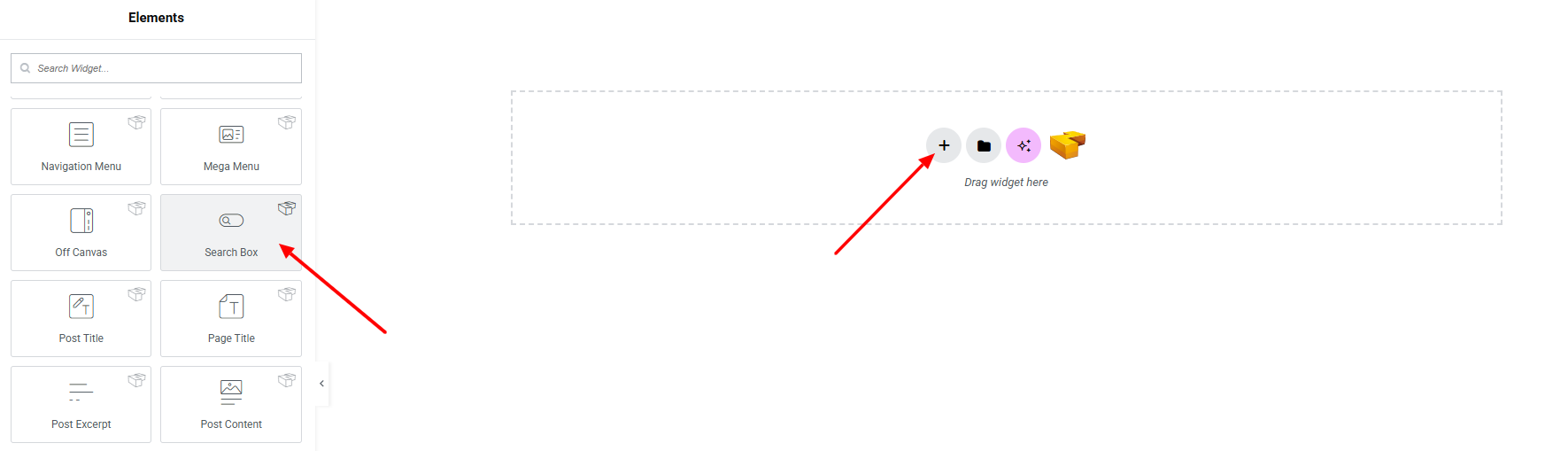
- Drag the Search Box widget
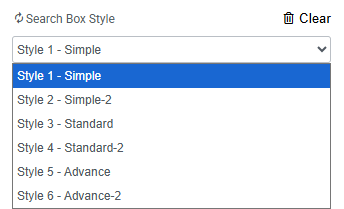
- Choose a style
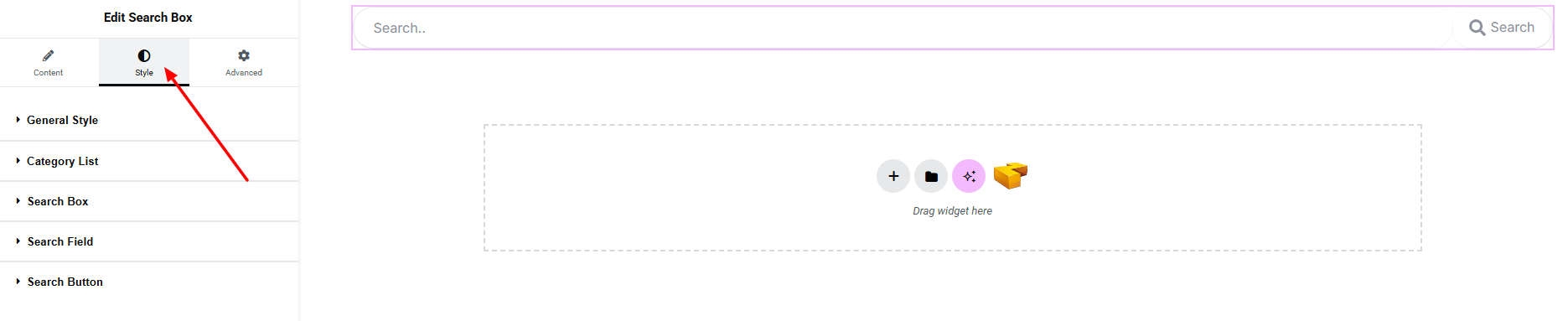
- Adjust design
- Place it where users expect it
👉 Done in minutes.
Pro Tips (This Actually Matters)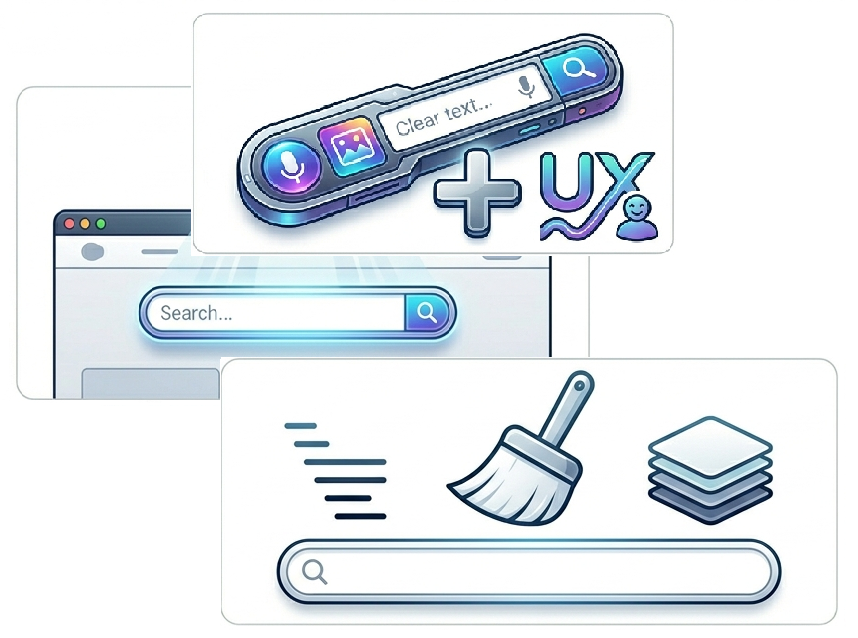
- Place search in the header for visibility
- Use icons for better UX
- Keep it minimal and clean
- Don’t hide it in complex layouts
👉 Small tweaks = big UX improvement.
Why This Feature is Underrated
Most users ignore search during design. But in reality:
👉 Search users are high-intent users
👉 They are more likely to convert
So improving search = improving results.
Final Thoughts
A search box might seem like a small detail. But it directly impacts:
- User experience
- Engagement
- Conversions
With Zyre Addons, you’re not just adding a search field—you’re creating a better navigation experience.
Download Zyre Addons from WordPress