Introduction
A website isn’t just about how it looks—it’s about how it feels and functions.
You can have beautiful designs, but if users can’t navigate easily or understand your content, the experience falls apart. That’s where UI (User Interface) and UX (User Experience) come in.
With Elementor and the right tools like Zyre Addons, you can create websites that are not only visually appealing but also intuitive, engaging, and conversion-focused.
In this guide, we’ll explore practical UI/UX tips—with real examples using Zyre Addons.
What is UI/UX in Simple Terms?
- UI (User Interface) → How your website looks
- UX (User Experience) → How your website works
👉 Good UI attracts users.
👉 Good UX keeps them engaged.
🎯 1. Keep Your Layout Clean and Simple
❌ Problem
Too many elements on a page create confusion.
✅ Solution
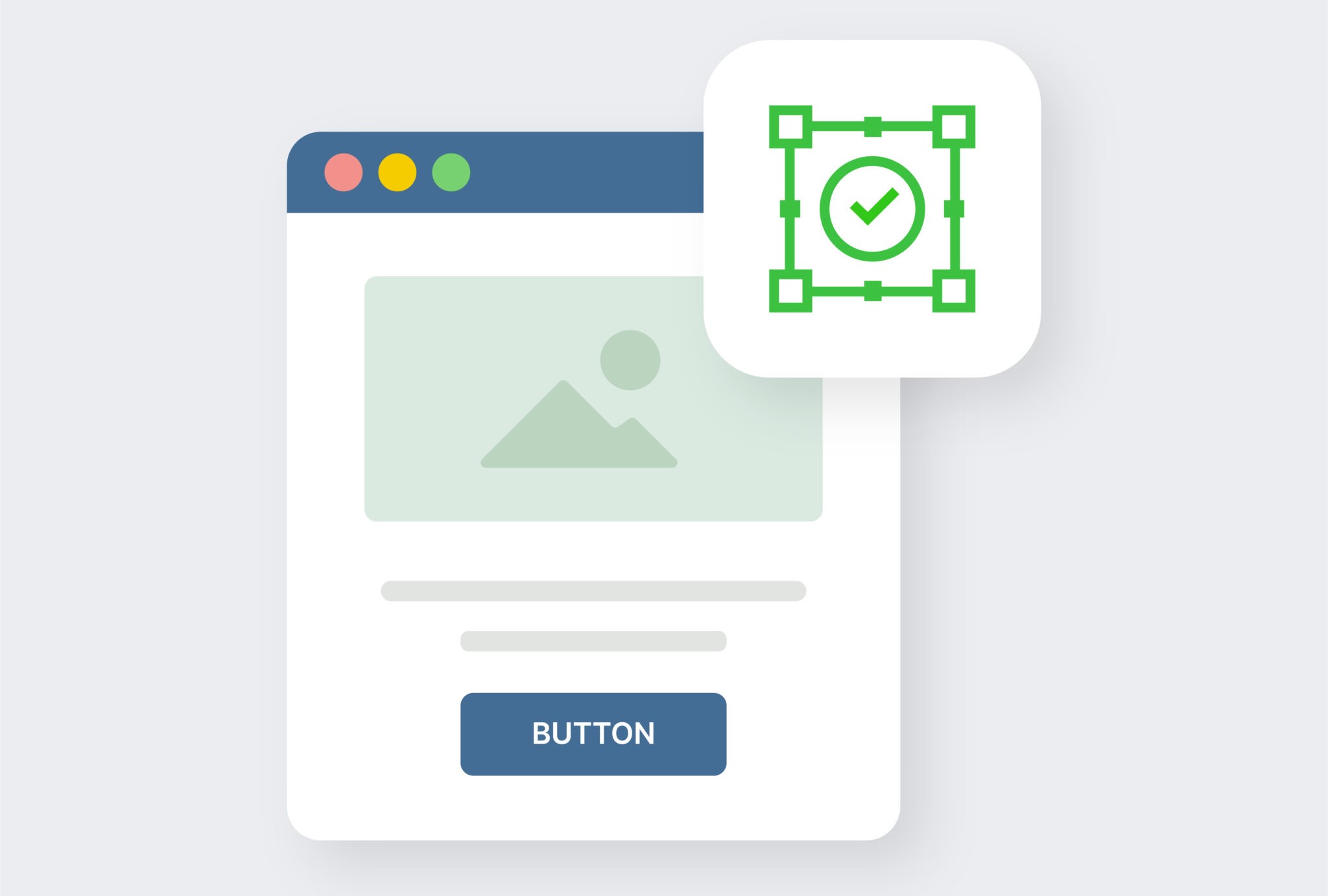
Use structured layouts with proper spacing.
💡 Zyre Example
- Use Prebuilt sections
- Use Hero layouts
- Use Grid-based widgets
👉 Zyre Addons helps you maintain clean, professional layouts without clutter.
⚡ 2. Use Interactive Elements Wisely
❌ Problem
Static websites feel outdated.
✅ Solution
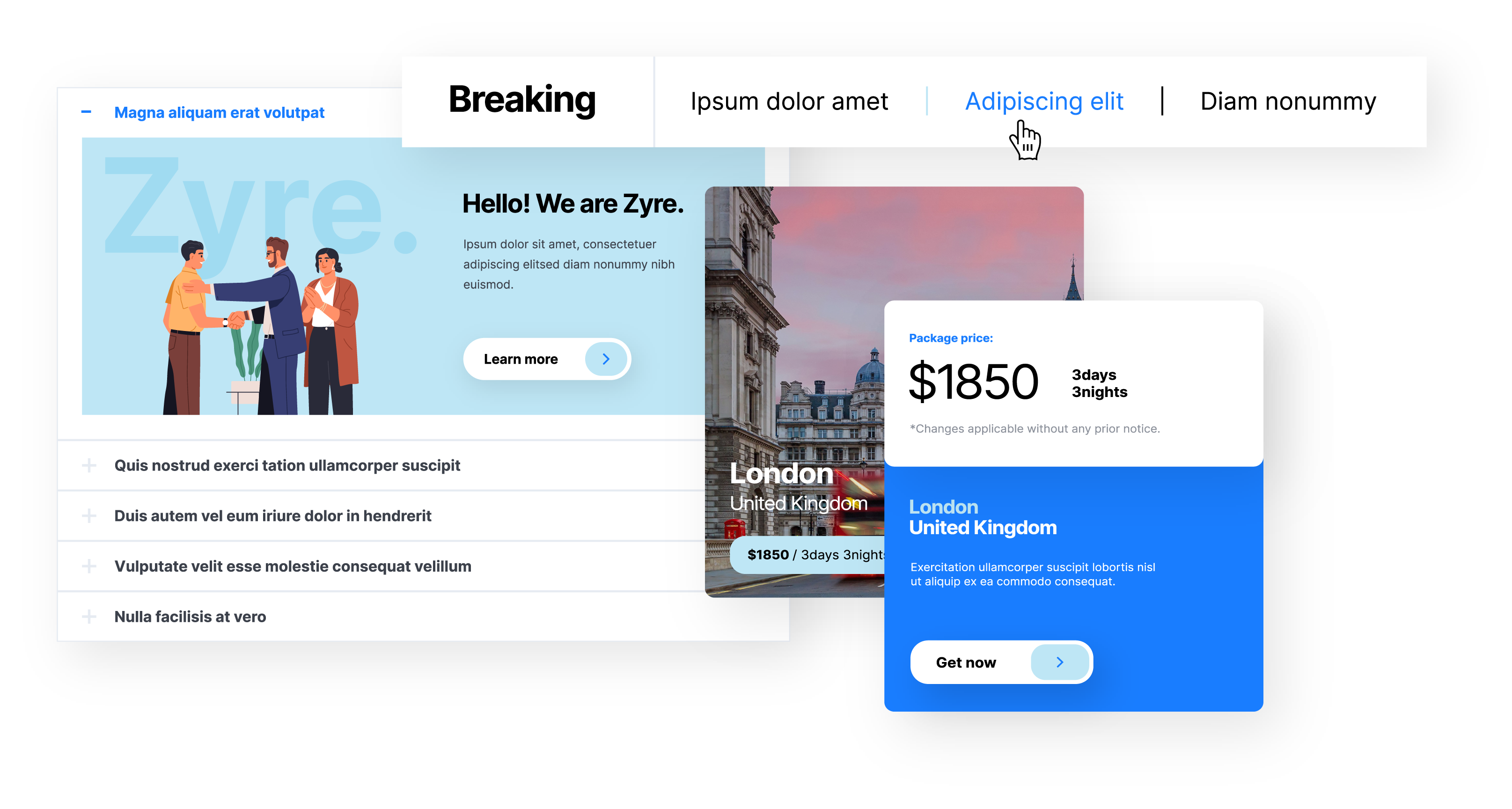
Add subtle interactions to improve engagement.
💡 Zyre Example
- Use Flipbox for interactive cards
- Use Accordion for organized content
- Use News Ticker for dynamic updates
👉 Interaction improves user engagement—but keep it smooth and minimal.
🎨 3. Maintain Design Consistency
❌ Problem
Inconsistent fonts, colors, and styles break UX.
✅ Solution
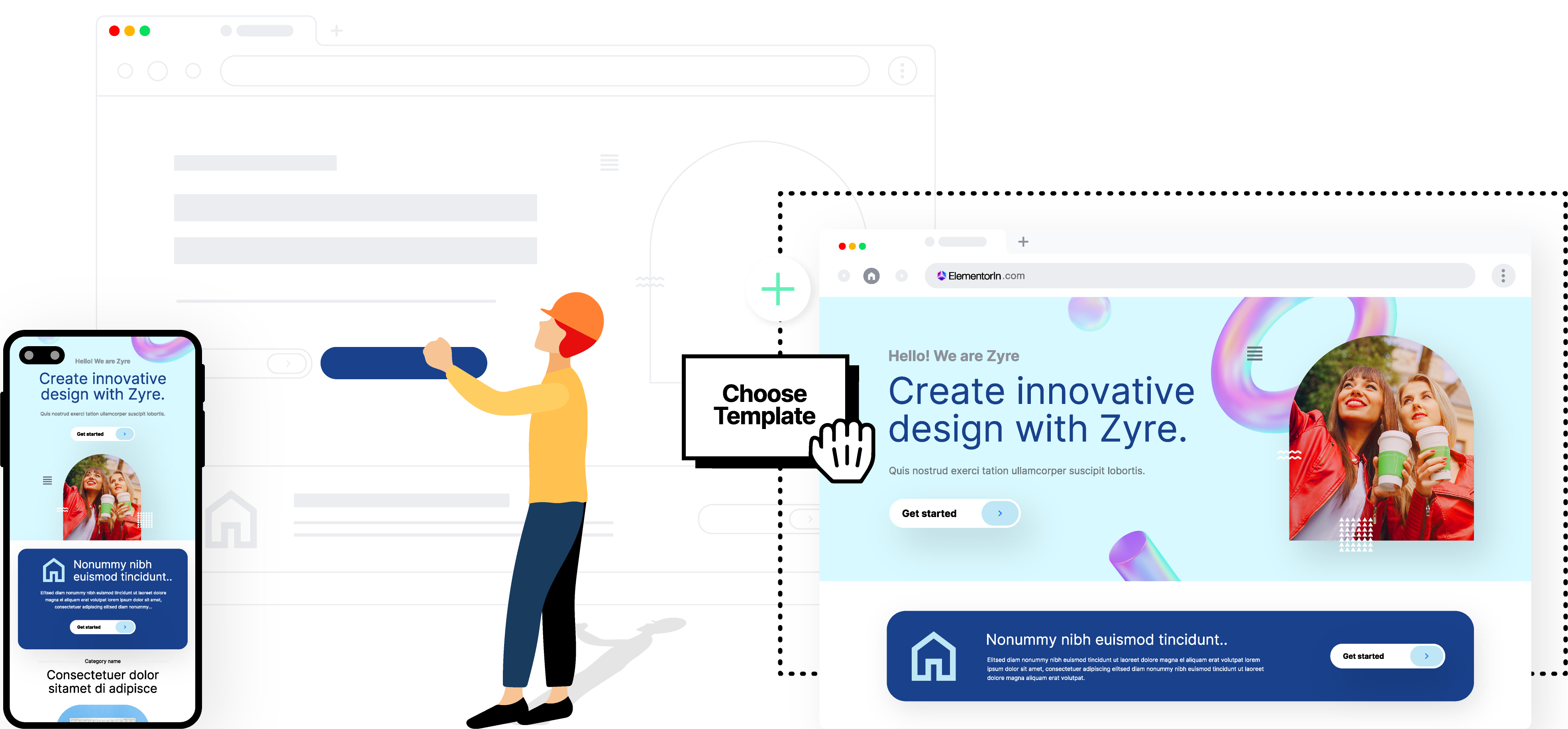
Stick to a consistent design system.
💡 Zyre Example
- Use prebuilt widget styles
- Customize globally
- Maintain consistent spacing and typography
👉 Zyre Addons ensures uniform design across your site.
🚀 4. Use Strong Hero Sections
❌ Problem
Weak first impression → users leave.
✅ Solution
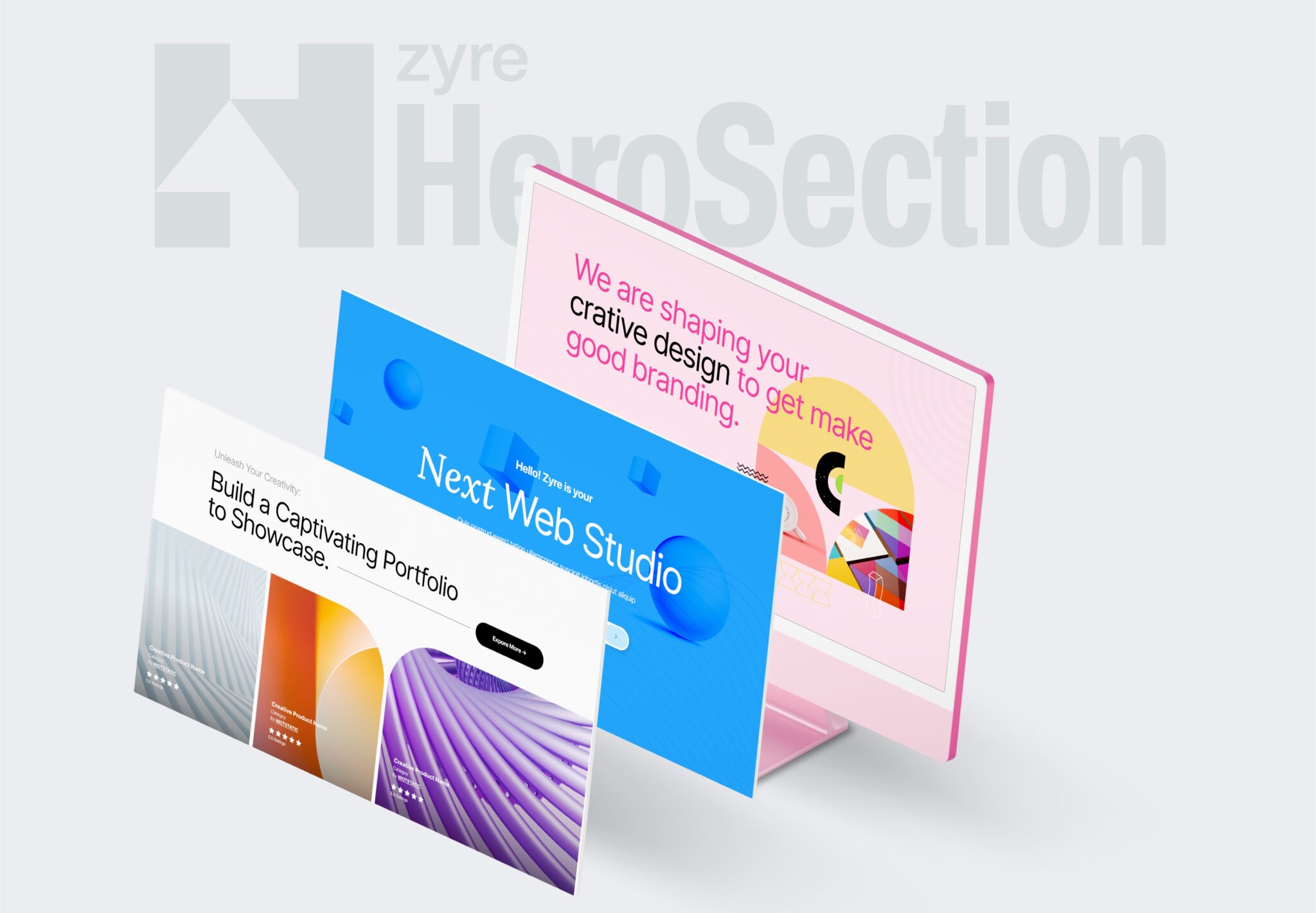
Design high-impact hero sections.
💡 Zyre Example
- Use 30+ free prebuilt hero sections
- Use Bold headings + CTA
- Clean layouts
👉 First impression matters more than anything else.
📱 5. Optimize for Mobile Experience
❌ Problem
Desktop-only design = Poor mobile UX.
✅ Solution
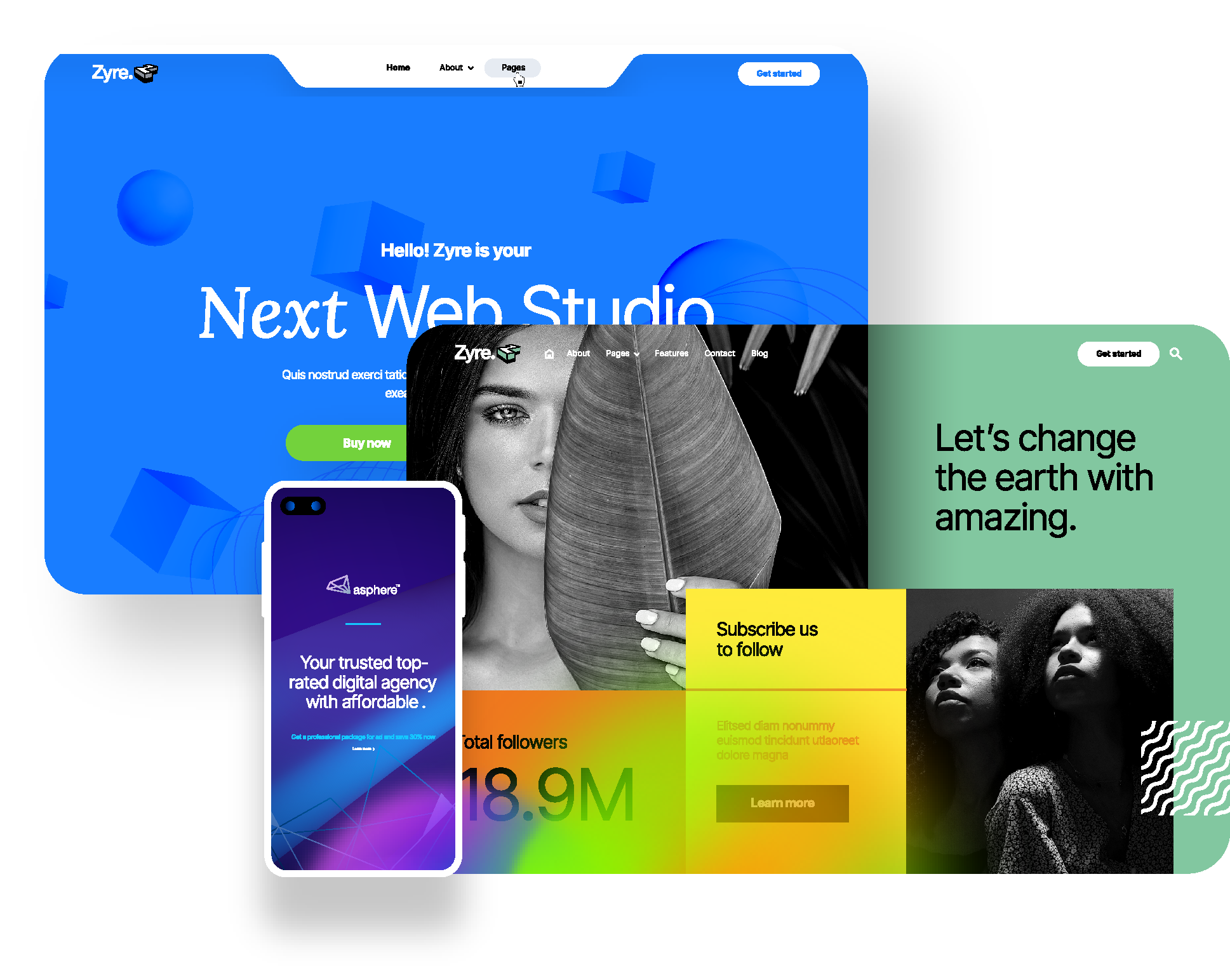
Design responsively.
💡 Zyre Example
- Adjust spacing and typography
- Optimize widget layouts
- Test across devices
👉 Zyre Addons gives full responsive control.
📊 6. Present Content in a Structured Way
❌ Problem
Plain text blocks reduce readability.
✅ Solution
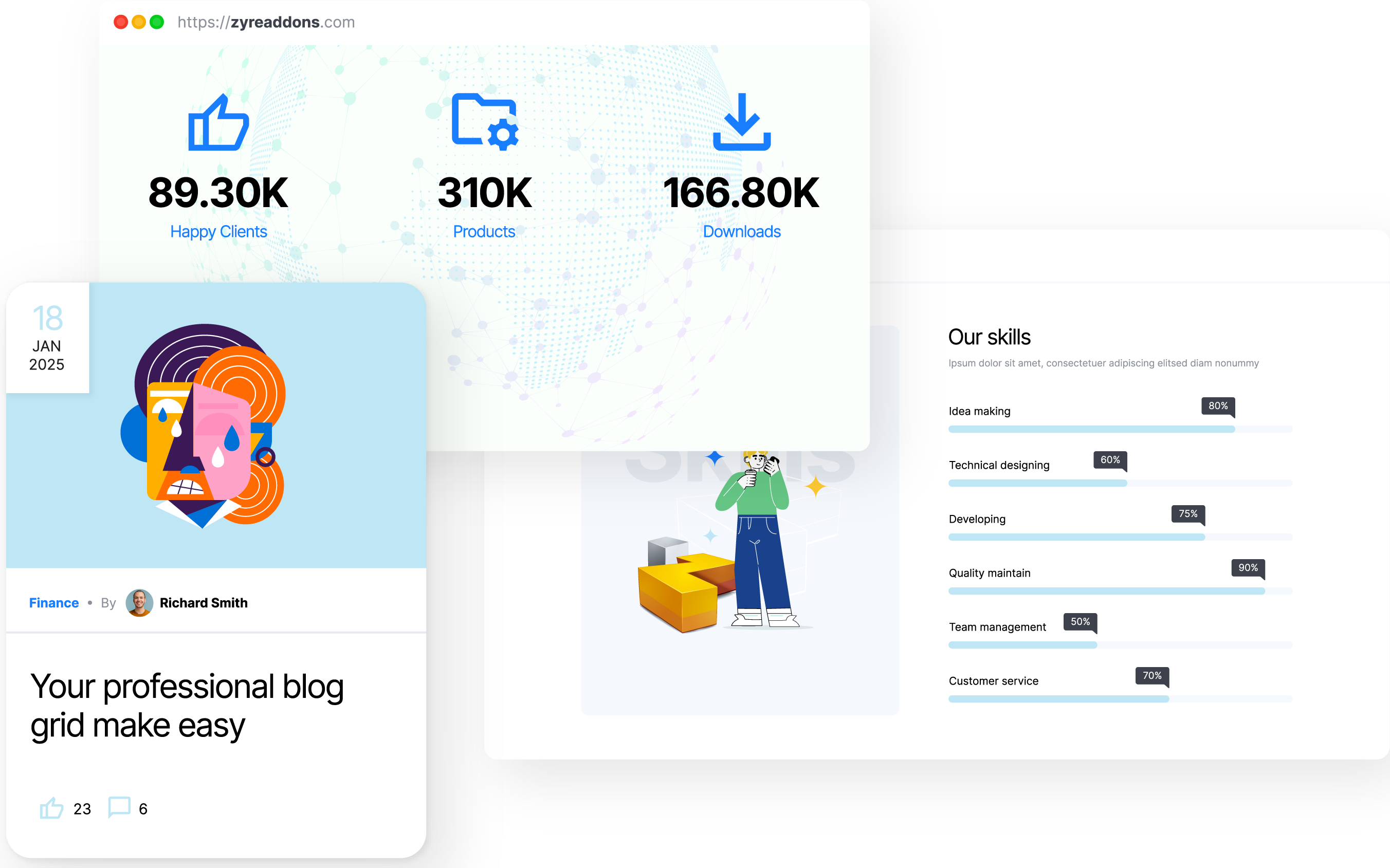
Break content into visual sections.
💡 Zyre Example
- Use Post Grid for blogs
- Use Skill Bar for data
- Use Fun Fact for stats
👉 Structured content = better understanding.
⚙️ 7. Reduce Clutter with Smart Control
❌ Problem
Too many elements slow down UX.
✅ Solution
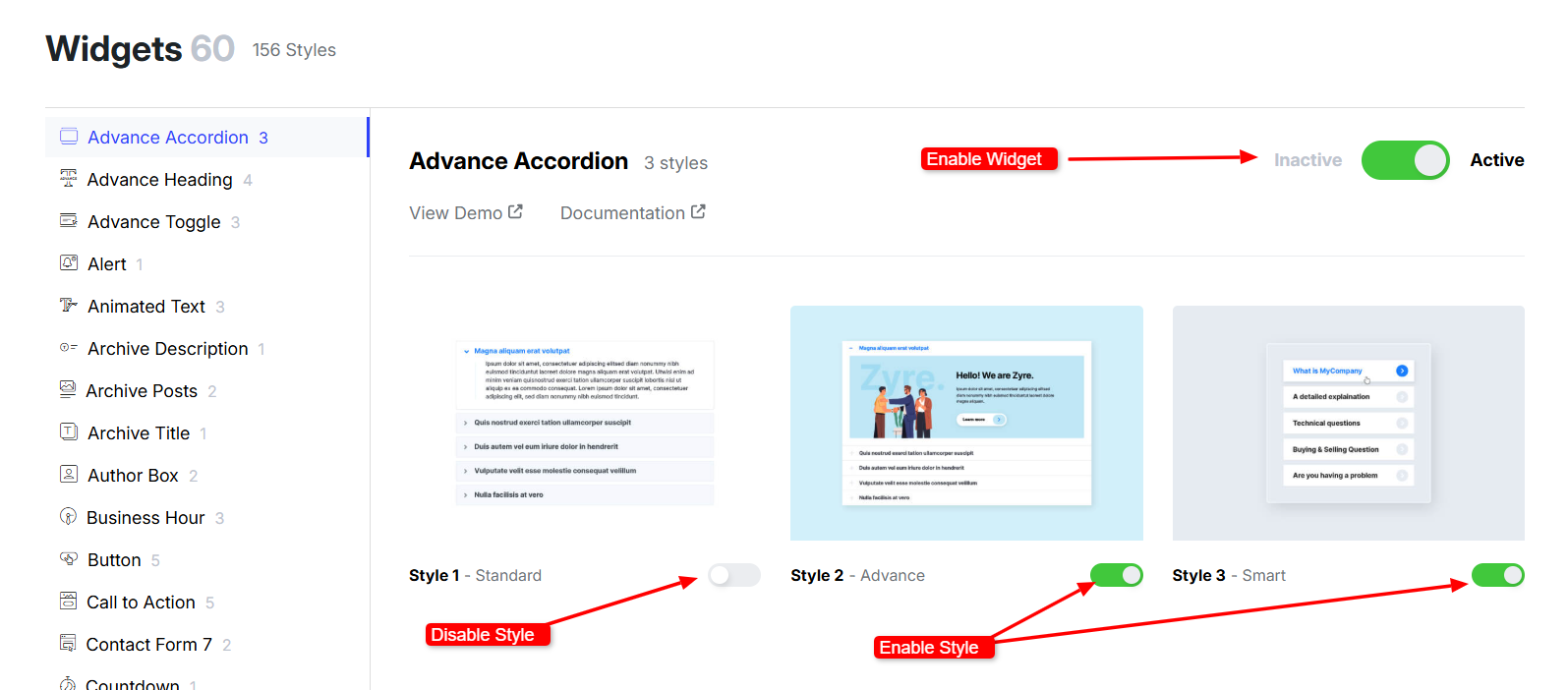
Use only what’s necessary.
💡 Zyre Example
- Enable only required widgets and styles
- Disable unused widgets
- Disable unused styles
👉 Cleaner design = better user experience.
⚡ 8. Focus on Performance for Better UX
❌ Problem
Slow websites ruin user experience.
✅ Solution

Optimize performance.
💡 Zyre Example
- Lightweight structure
- Clean code
- Optimized assets
👉 Faster websites = happier users.
Real UI/UX Workflow with Zyre Addons
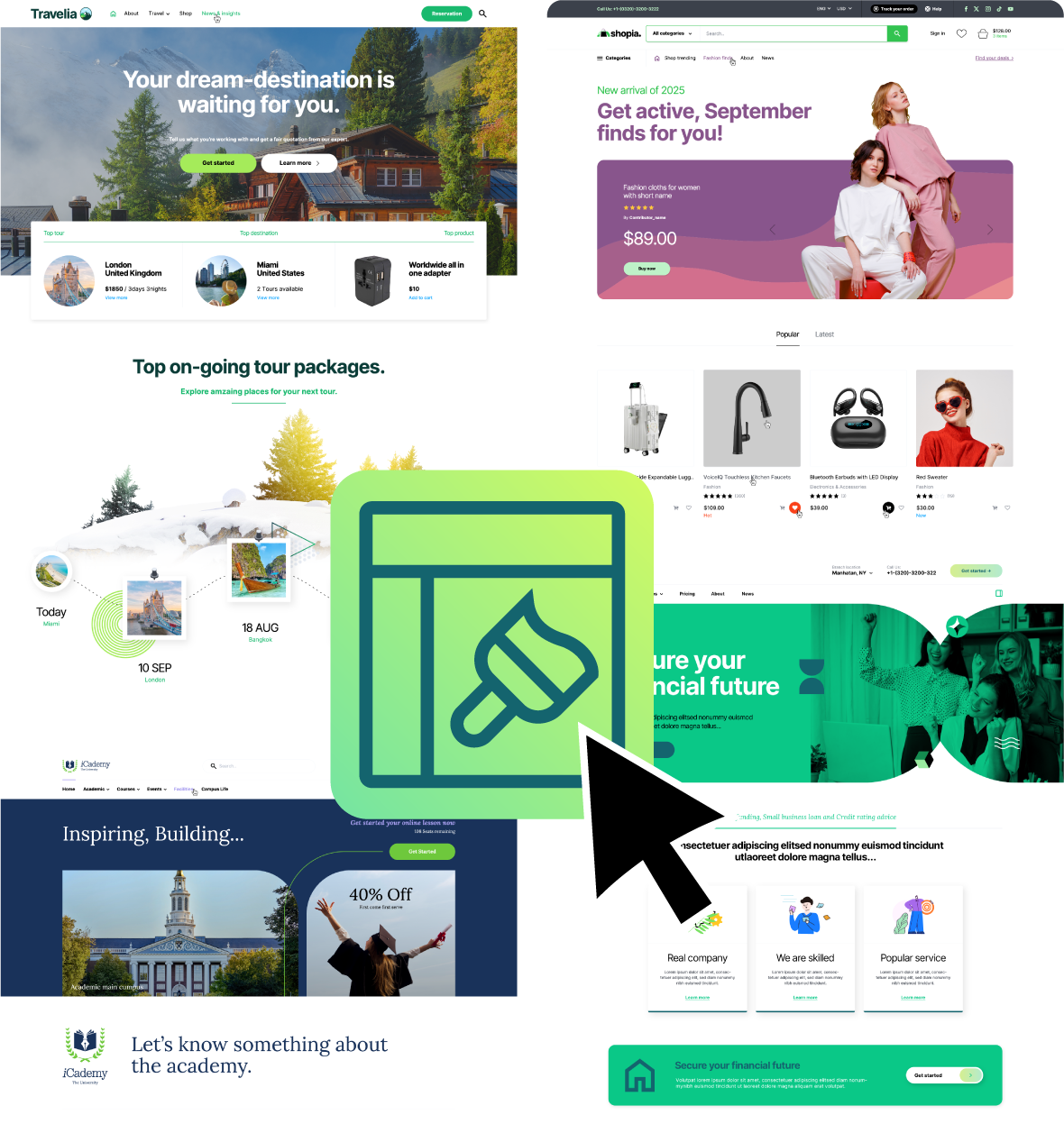
Here’s how you can design efficiently:
- Choose a prebuilt page or section
- Customize content and layout
- Add interactive widgets
- Optimize spacing and hierarchy
- Publish
👉 Simple, fast, and effective.
Why UI/UX Matters More Than Ever
Good UI/UX leads to:
- Higher engagement
- Lower bounce rates
- Better conversions
👉 It’s not just design—it’s business impact.
Final Thoughts
Creating a great website isn’t about adding more elements—it’s about using the right elements in the right way.
With Elementor + Zyre Addons, you can:
- Design faster
- Maintain consistency
- Improve user experience
- Build conversion-focused layouts
👉 That’s the difference between a good website and a great one.
Download Zyre Addons from WordPress