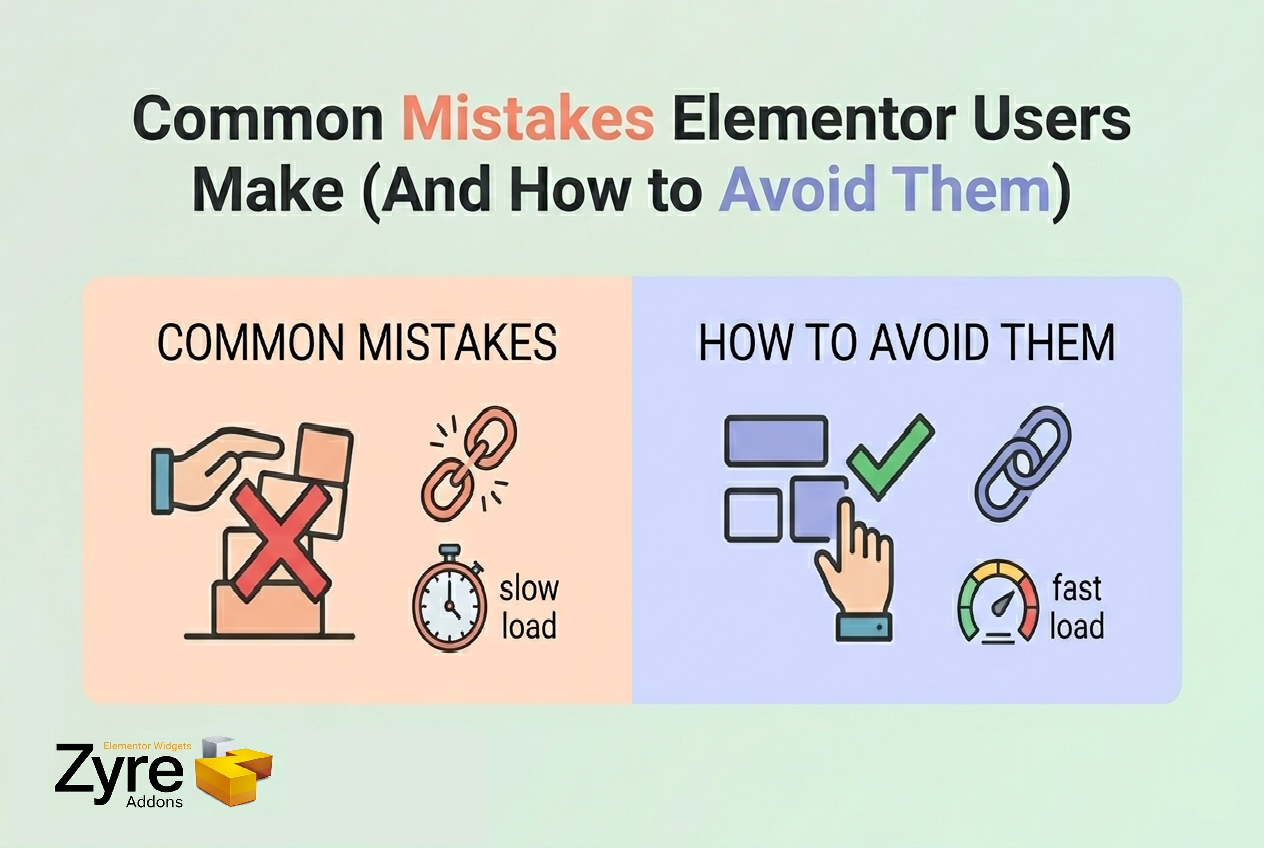
Introduction
Elementor makes website design incredibly easy. With its drag-and-drop interface, anyone can build a website without coding.
But here’s the catch:
👉 Easy doesn’t always mean efficient.
Many Elementor users—especially beginners—end up making mistakes that:
- Slow down their workflow
- Hurt website performance
- Limit design quality
The good news? Most of these mistakes are easy to fix.
And with the right tools like Zyre Addons, you can avoid them completely.
⚠️ 1. Designing Everything from Scratch
The Mistake
Many users start every page from a blank canvas.
They manually build:
- Hero sections
- Feature blocks
- Widgets styles
👉 This wastes a huge amount of time.
✅ How to Avoid It
Use prebuilt layouts and sections.
With Zyre Addons ,for free you will get:
- 30+ hero sections
- 10+ prebuilt pages
- Ready-to-use Blocks
👉 Import → customize → done.
⚠️ 2. Using Too Many Plugins
The Mistake
Installing multiple Elementor addons for different features:
- One for UI
- One for blog
- One for marketing
👉 This leads to conflicts and slow websites.
✅ How to Avoid It
Use an all-in-one solution.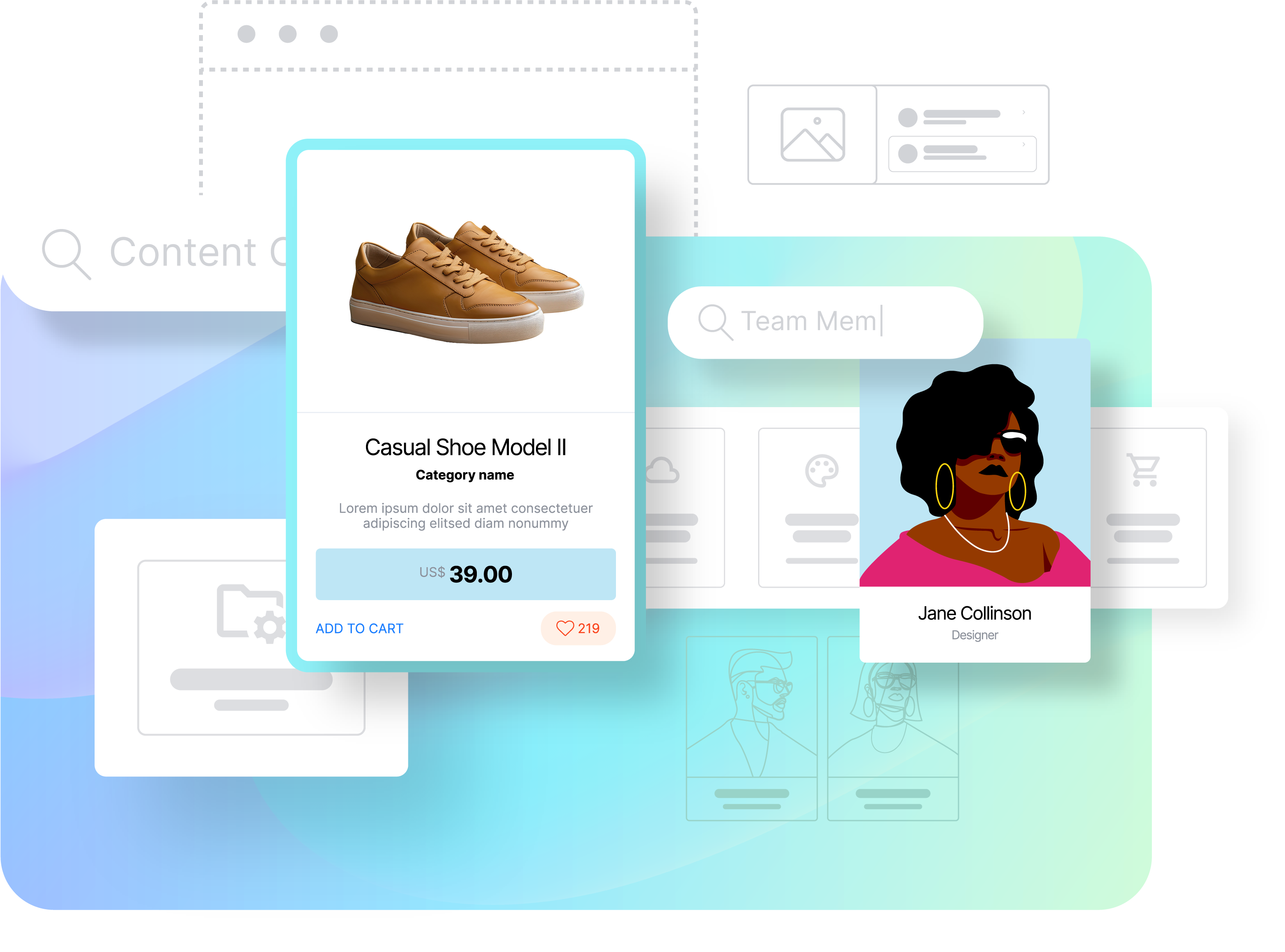
Zyre Addons provides:
- Free 60+ widgets
- Blog tools
- Marketing elements
- UI components
👉 One plugin replaces many.
⚠️ 3. Overcomplicating Designs
The Mistake
Trying to add too many effects, animations, and elements.
👉 This creates:
- Cluttered layouts
- Confusing user experience
✅ How to Avoid It
Keep designs clean and purposeful.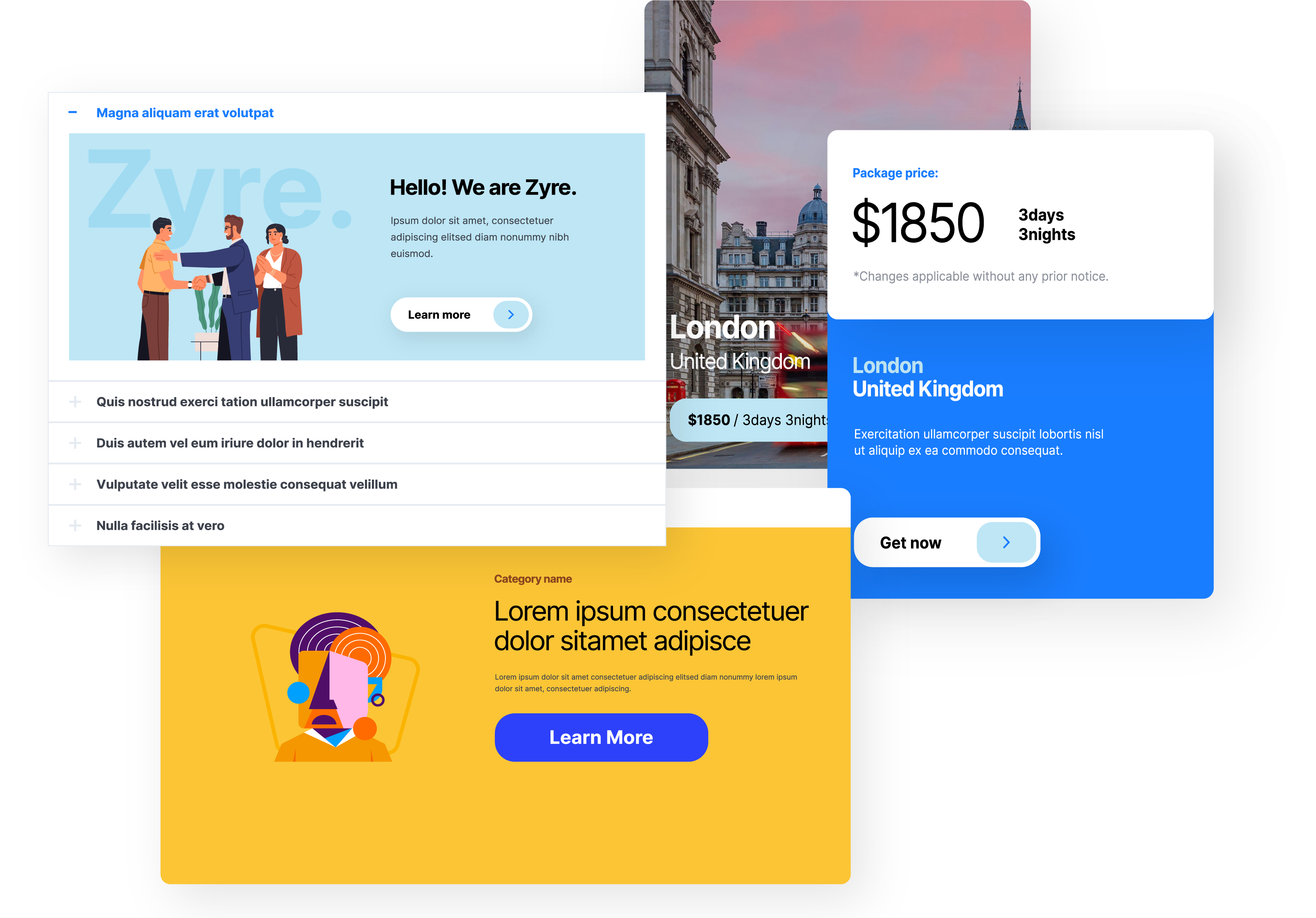
Use widgets like:
- Flipbox for structured interaction
- Accordion for organized content
- CTA for clear actions
👉 Focus on usability, not just visuals.
⚠️ 4. Not Using Prebuilt Styles
The Mistake
Designing every widget manually.
👉 This slows down your workflow significantly.
✅ How to Avoid It
Use prebuilt widget styles.
Zyre Addons offers:
- Multiple design styles per widget
- Instant layout application
- Full customization if needed
👉 Start fast, then refine.
⚠️ 5. Ignoring Mobile Responsiveness
The Mistake
Designing only for desktop and forgetting mobile.
👉 This breaks layouts on smaller screens.
✅ How to Avoid It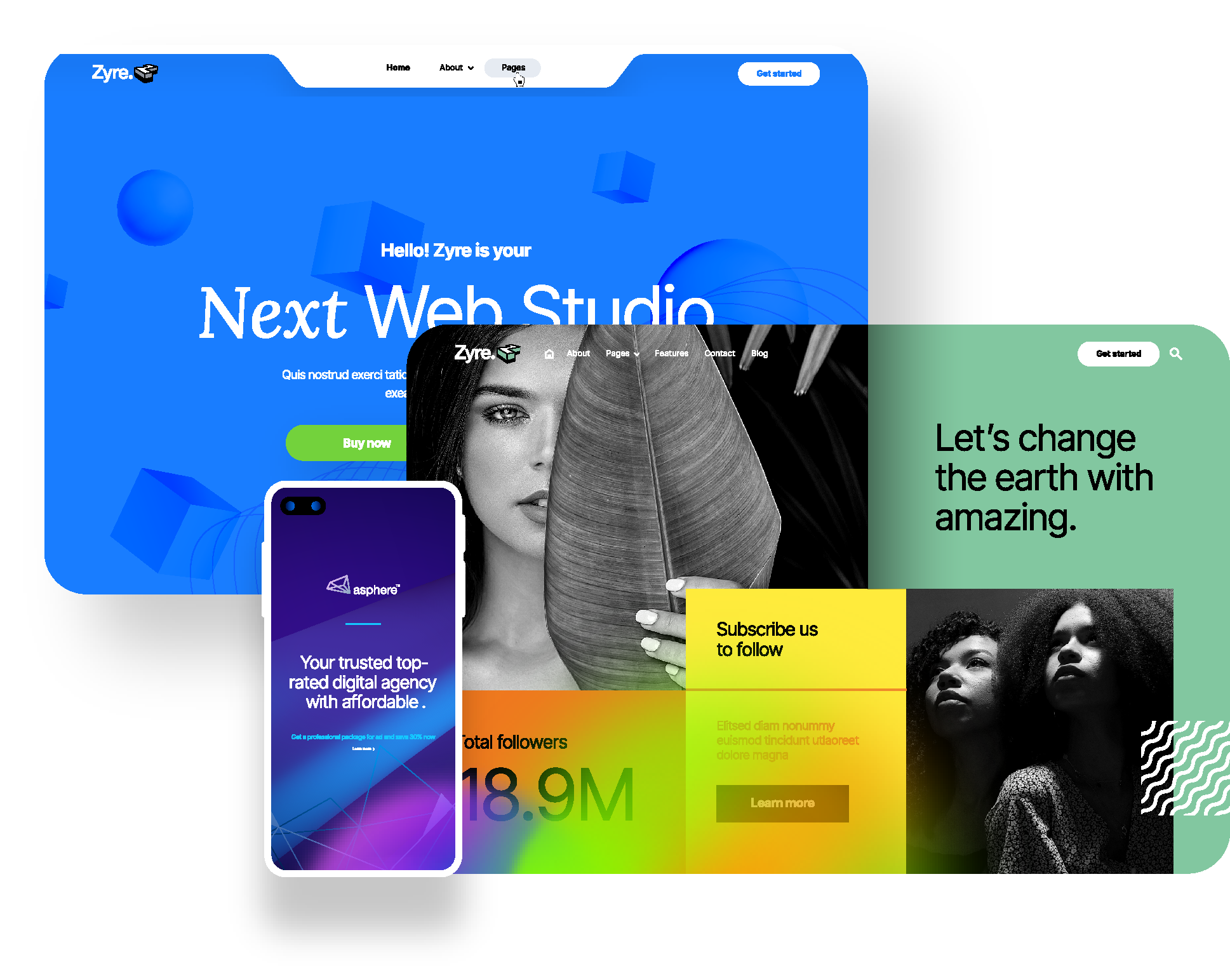
Always optimize for all devices:
- Adjust spacing
- Resize text and elements
- Test layouts on mobile
Zyre Addons widgets are fully responsive and easy to adjust.
⚠️ 6. Repeating the Same Work
The Mistake
Rebuilding the same sections across multiple pages.
👉 This wastes time and reduces efficiency.
✅ How to Avoid It
Use reusable designs:
- Prebuilt blocks
- Saved sections
- Consistent layouts
👉 Work smarter, not harder.
⚠️ 7. Weak Call-to-Action Strategy
The Mistake
Not guiding users with clear actions.
👉 This reduces conversions.
✅ How to Avoid It
Use strong CTA elements: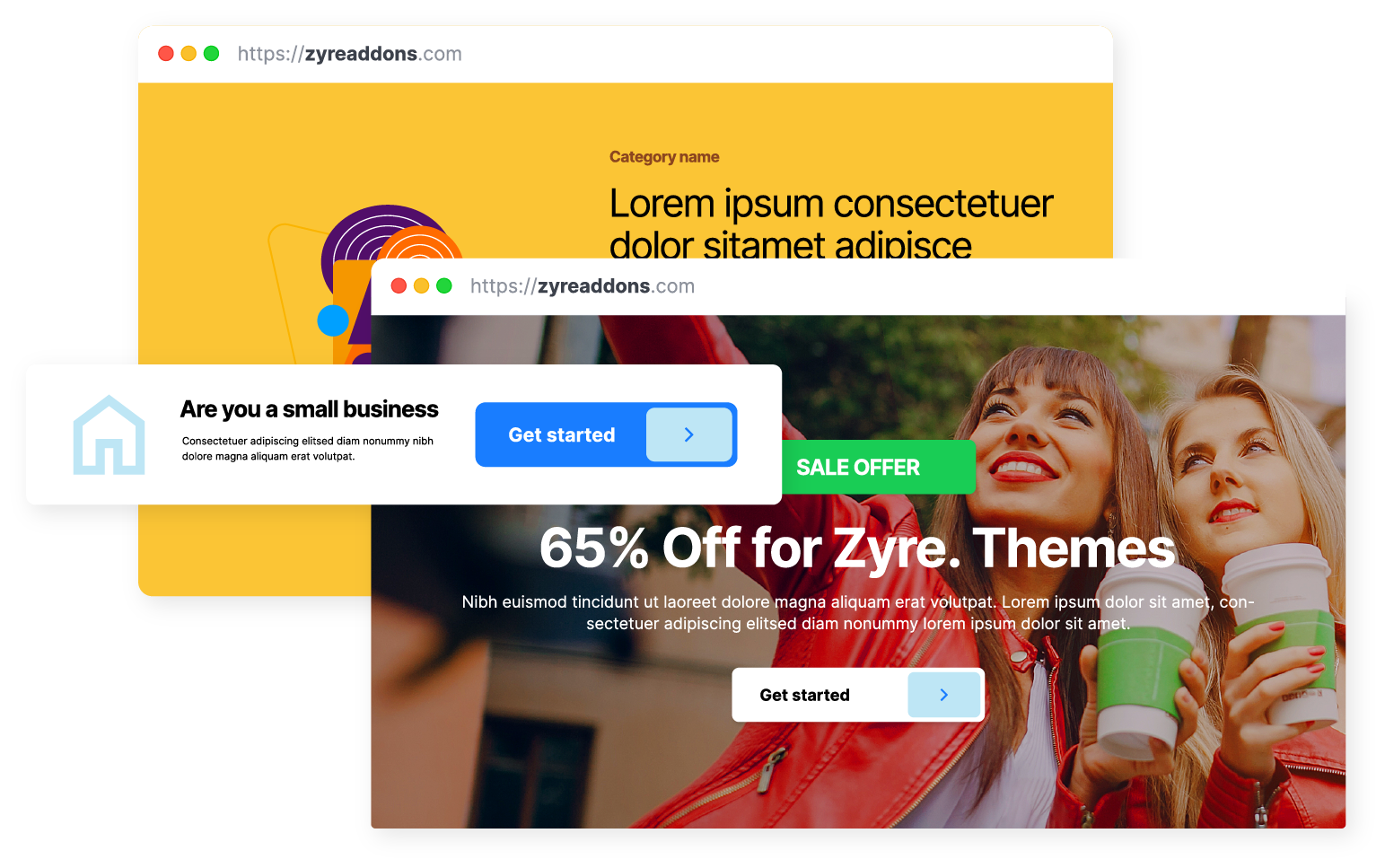
- Call To Action widget
- Dual Button for multiple options
- Clear messaging and design
👉 Always tell users what to do next.
Final Thoughts
Elementor is powerful—but how you use it makes all the difference.
Avoiding these common mistakes can help you:
- Build faster
- Design better
- Improve performance
- Increase conversions
With Zyre Addons, you not only fix these mistakes—you prevent them from happening in the first place.
Download Zyre Addons from WordPress