Introduction
You built your website with Elementor. Everything works. Layouts are in place. Content is there. But something still feels off.
👉 It looks… basic.
If your website doesn’t feel modern, engaging, or “premium,” you’re not alone. Many Elementor users face this problem—especially when relying only on default tools.
The good news?
This isn’t a skill issue—it’s a workflow and tools issue.
Let’s break down why your Elementor website looks basic—and how to fix it using the right approach with Zyre Addons.
⚠️ 1. You’re Using Only Default Elementor Widgets
The Problem
Elementor’s default widgets are limited in design and functionality.
👉 Result:
- Simple layouts
- Repetitive designs
- Lack of visual depth
✅ The Fix
Use advanced, purpose-built widgets.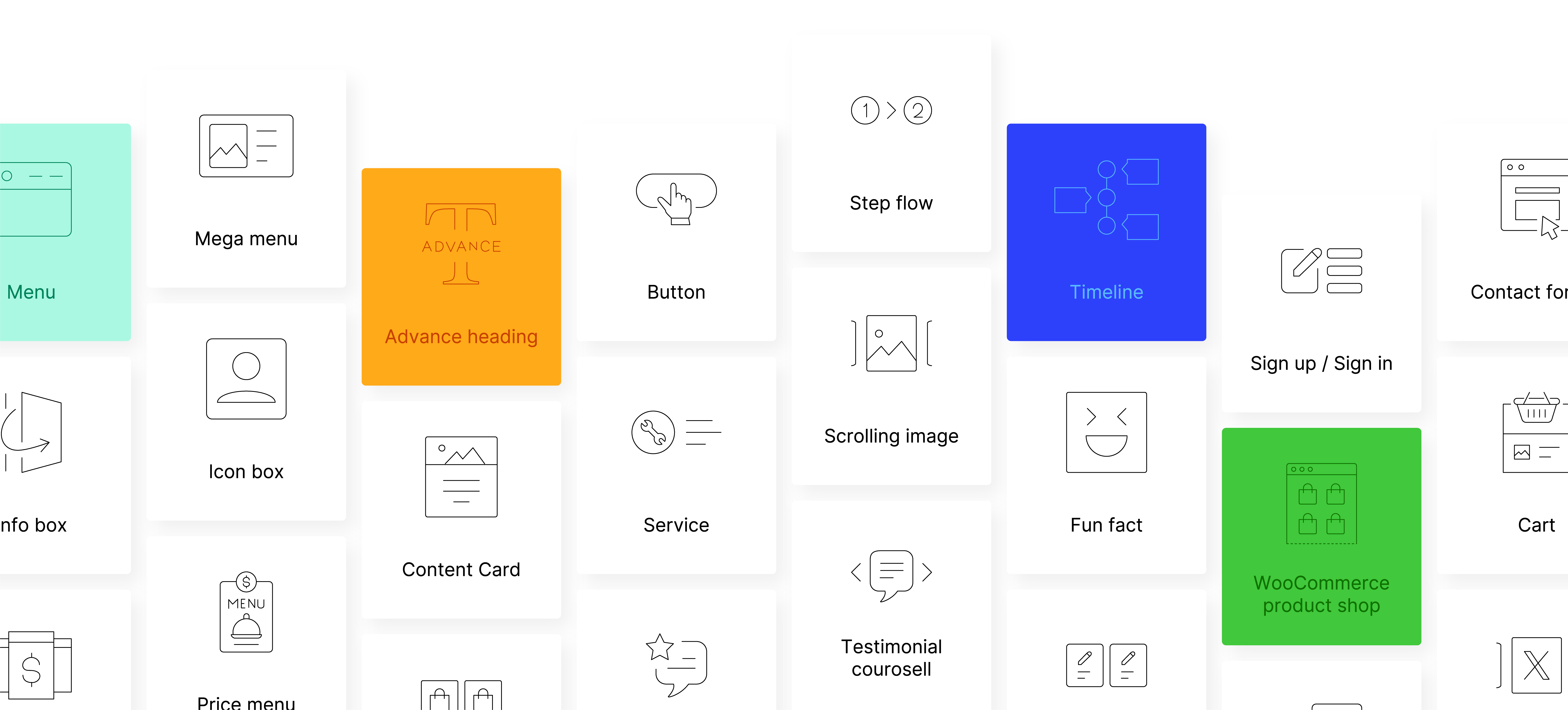
Zyre Addons offers 60+ widgets for free, including:
- Flipbox for interactive cards
- Testimonial for social proof
- Post Grid for modern blog layouts
- CTA for conversion-focused sections
👉 More design options = More professional results.
⚠️ 2. No Strong Hero Section
The Problem
Your hero section is the first thing users see—but most websites use basic headings and buttons.
👉 Result:
- Weak first impression
- Low engagement
✅ The Fix
Use professionally designed hero sections.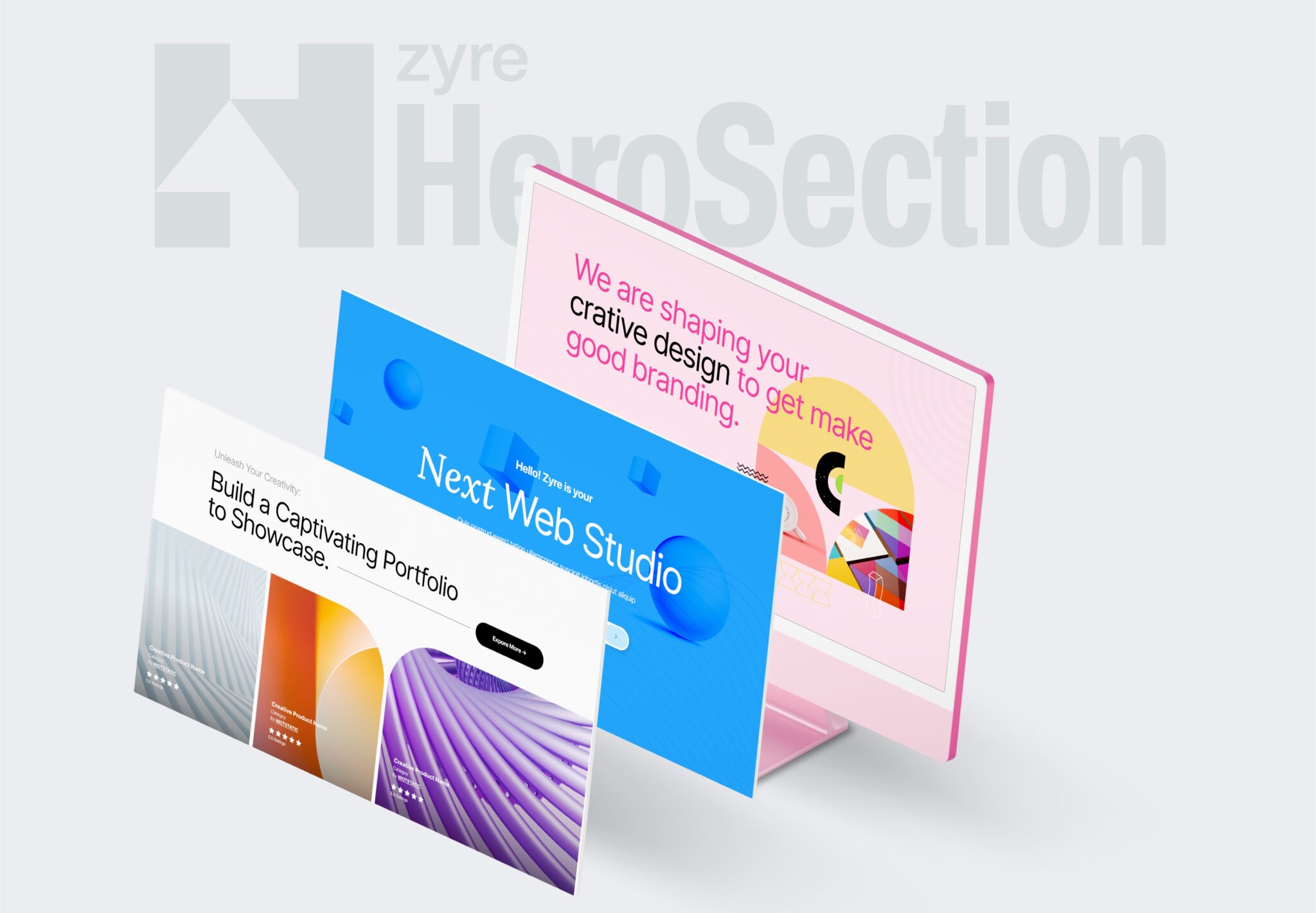
Zyre Addons provides:
- Free 30+ prebuilt hero sections
- Modern layouts with strong visual hierarchy
- Easy customization
👉 A strong hero section instantly upgrades your entire website.
⚠️ 3. Everything Looks the Same
The Problem
Using the same layout and styling across sections makes your website feel flat.
👉 Result:
- No variation
- No visual interest
✅ The Fix
Use different section styles and layouts.
With Zyre Addons:
- Multiple prebuilt styles for each widget
- Flexible design options
- Easy variation between sections
👉 Variety creates a more engaging experience.
⚠️ 4. Too Much Manual Styling
The Problem
You’re designing everything manually :
- Adjusting colors
- Setting typography
- Fixing spacing
👉 This slows you down and often leads to inconsistent design.
✅ The Fix
Start with prebuilt styles.
Zyre Addons allows you to:
- Apply ready-made designs instantly
- Customize only where needed
👉 Faster workflow + better design consistency.
⚠️ 5. No Interactive Elements
The Problem
Your website is static.
👉 Result:
- Feels outdated
- Less engaging
✅ The Fix
Add interactive UI elements.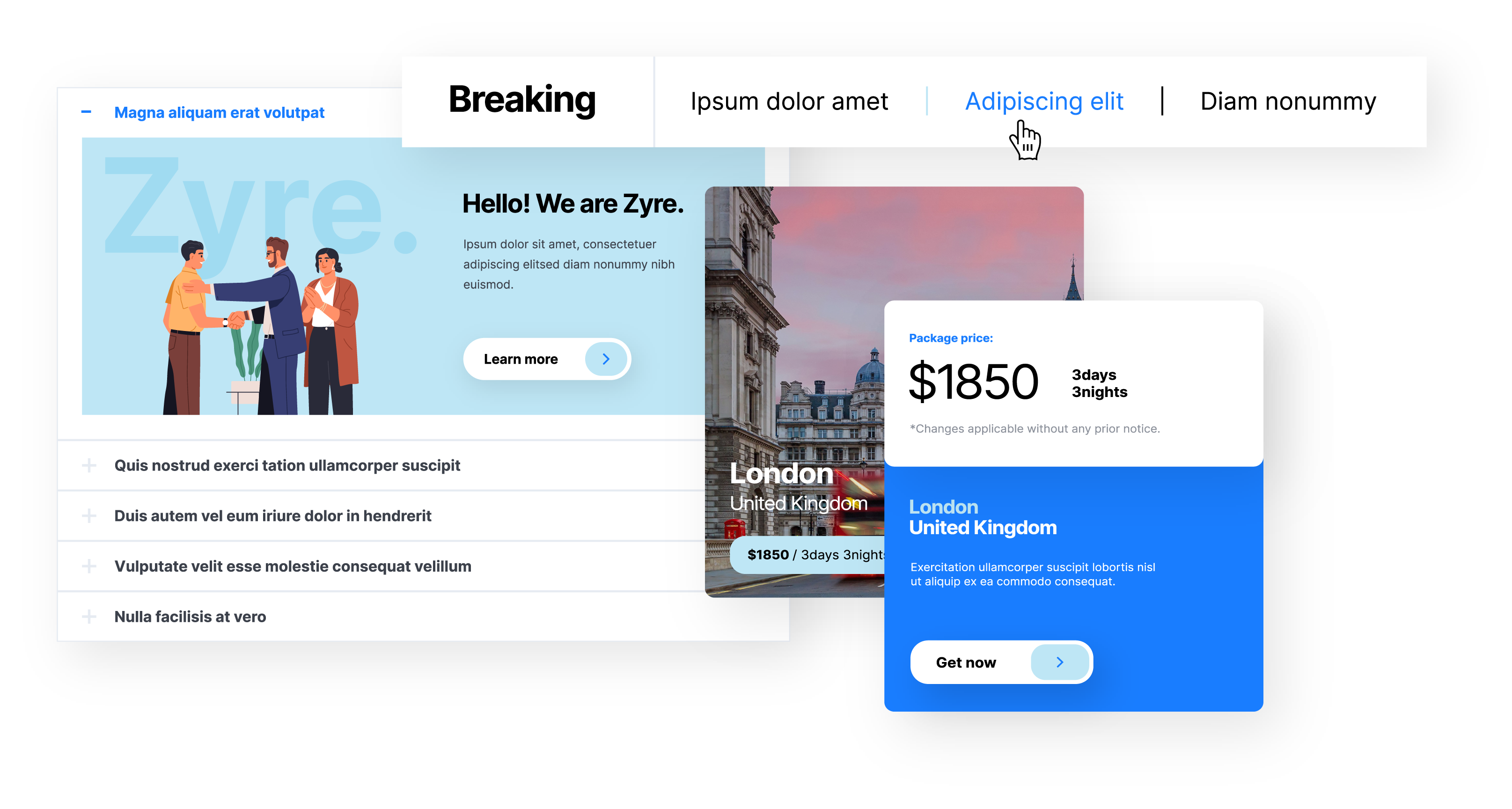
Use widgets like:
- Flipbox → hover-based interaction
- Accordion → structured content
- News Ticker → dynamic updates
👉 Interaction makes your site feel modern and alive.
⚠️ 6. No Prebuilt Design System
The Problem
You’re building everything from scratch without a system.
👉 Result:
- Inconsistent design
- Longer build time
✅ The Fix
Use prebuilt pages and blocks.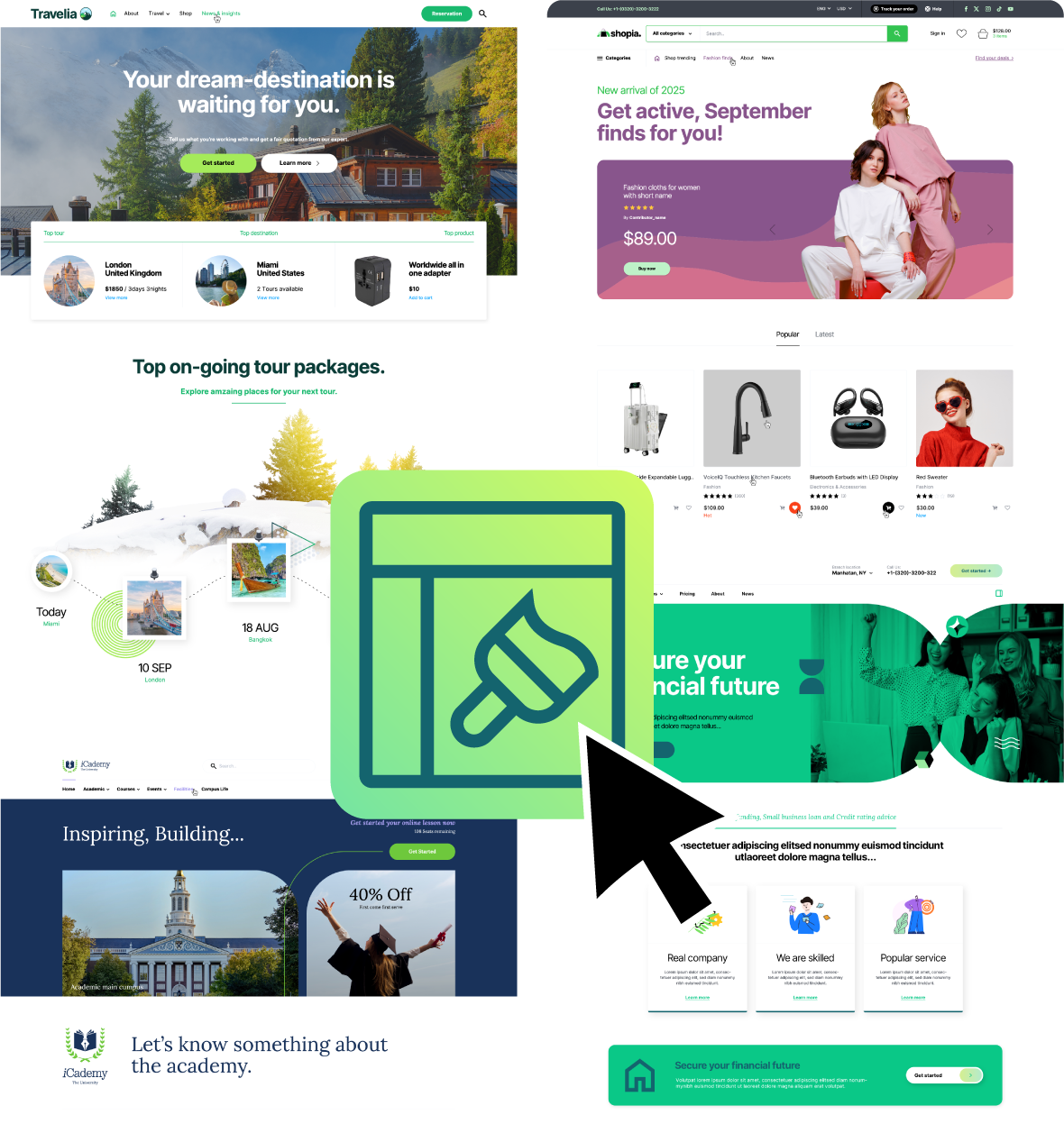
Zyre Addons includes:
- Free 10+ prebuilt pages
- Ready sections for real use cases
👉 Build faster with consistent design.
What a “Better” Elementor Website Looks Like
After fixing these issues, your site will:
- Feel modern and interactive
- Have strong visual hierarchy
- Load fast and perform well
- Guide users clearly with CTAs
👉 That’s the difference between a basic site and a professional one.
Final Thoughts
If your Elementor website looks basic, it’s not because Elementor is limited—it’s because you’re missing the right tools and workflow.
By:
- Using better widgets
- Starting with prebuilt layouts
- Adding interaction and structure
You can completely transform your website. And with Zyre Addons, that transformation becomes fast, simple, and powerful.
Download Zyre Addons from WordPress